
OneNET视频开发板接口测试
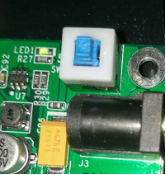
a) 开发板上电 接上5V电源适配器,按下开关,开发板上电。正常状态下:LED1灯亮。
b) Usart/开发板启动 打开超级终端。插上与串口连接的出口线(若笔记本电脑无串口,可使用串口-USB转换器),开发板启动,超级终端输出界面。
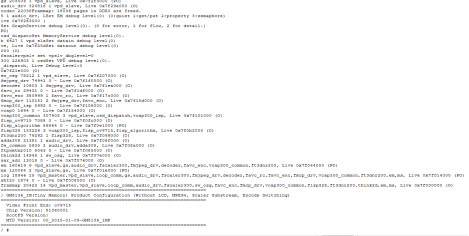
可通过超级终端输入相关命令进行交互比如ls

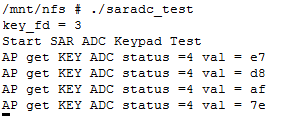
c) 按键 输入命令./saradc_test 执行saradc_test程序,可测试按键。
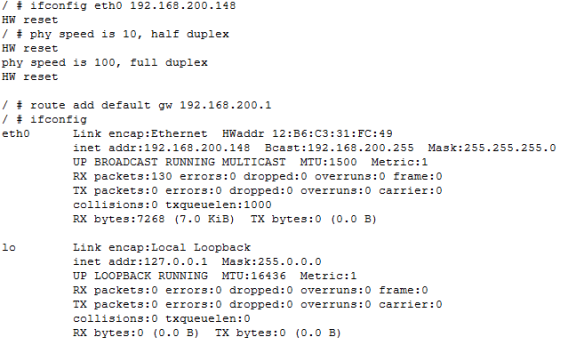
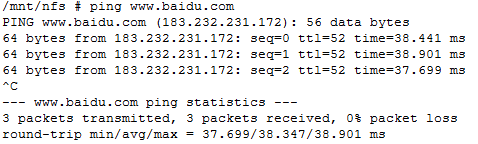
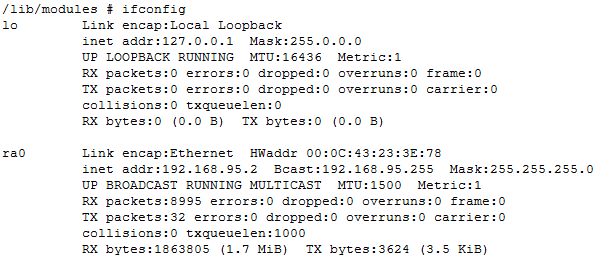
d)以太网 通过ifconfig设置IP地址,并通过ping命令测试网络
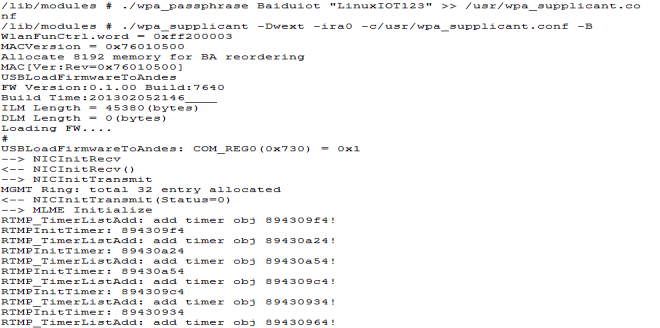
e) Wifi 接入wifi热点,其中Baiduiot为热点名称,LinuxIOT123为wifi密码,需替换为自己的wifi信息。
/wpa_passphrase Baiduiot "LinuxIOT123" >> /usr/wpa_supplicant.conf
./wpa_supplicant -Dwext -ira0 -c/usr/wpa_supplicant.conf -B
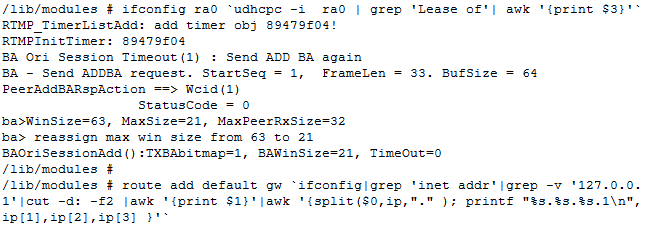
获取IP
ifconfig ra0 udhcpc -i ra0 | grep 'Lease of'| awk '{print $3}'
route add default gw ifconfig|grep 'inet addr'|grep -v '127.0.0.1'|cut -d: -f2 |awk '{print $1}'|awk '{split($0,ip,"." ); printf "%s.%s.%s.1\n",ip[1],ip[2],ip[3] }'
测试
 f)
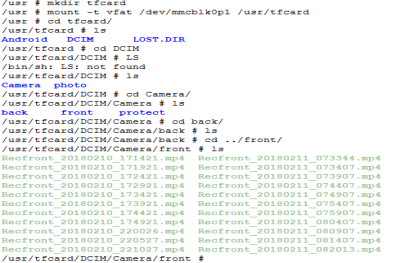
通过命令mount -t vfat /dev/mmcblk0p1 /usr/tfcard挂载tf卡
f)
通过命令mount -t vfat /dev/mmcblk0p1 /usr/tfcard挂载tf卡
g) 通过执行audio_livesound测试音频的输入和输出
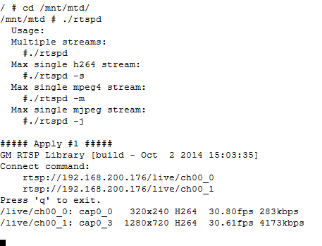
h) 进入/mnt/mtd ,执行rtspd程序,可在PC端通过VLC等播放器播放实时视频。

这篇文档是否帮助您解决了问题?